
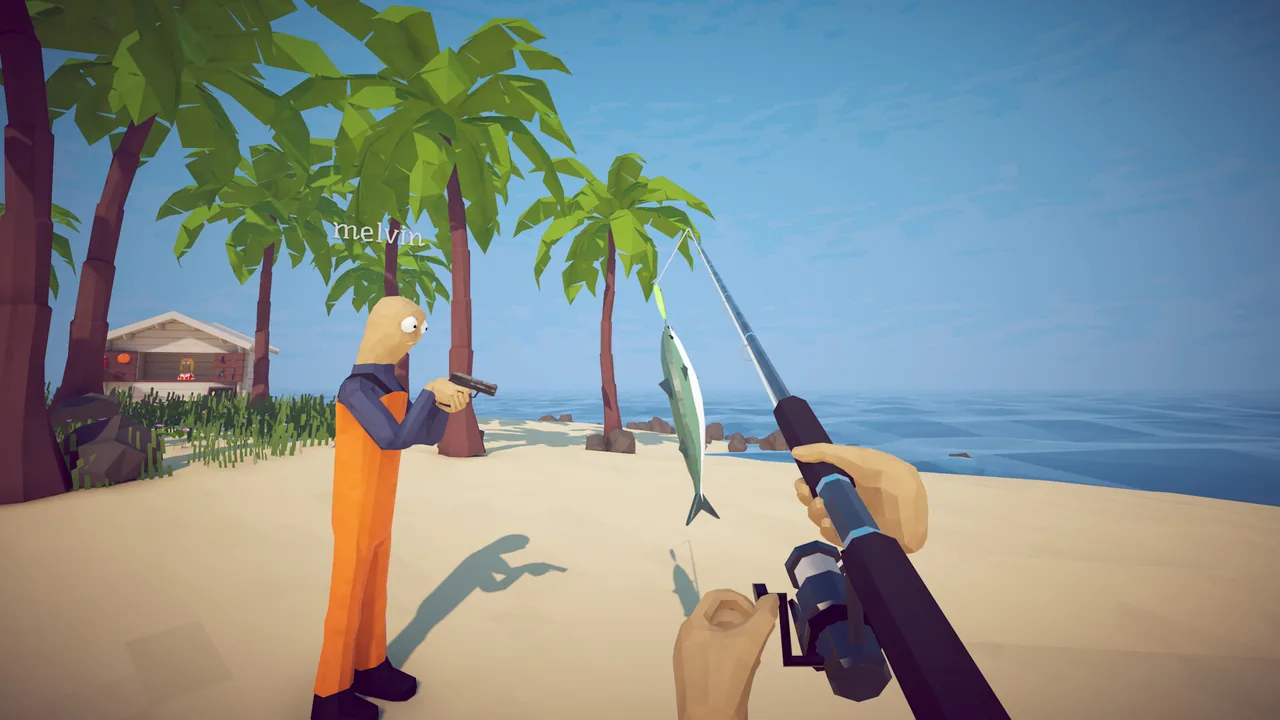
Common Causes
Three causes cover most reports. First, the game is being rendered by a low-power integrated GPU instead of the discrete GPU — common on laptops with hybrid graphics. Second, the Steam overlay has crashed and the game is sitting on a blank frame. Third, one or more game files on disk are corrupted from a botched update or a power loss.
Fixes
Try the steps below in order. Most players resolve the issue in the first three steps.
Step-by-Step
- 1.Force How to Fish to use your discrete GPU (NVIDIA Control Panel → Manage 3D Settings → Program Settings → add the executable, set High-performance).
- 2.Disable the Steam overlay for the game (Right-click in Steam → Properties → General → uncheck Enable Steam Overlay).
- 3.Verify game files (Right-click in Steam → Properties → Installed Files → Verify).
- 4.Update your GPU driver to the latest stable release.
- 5.If the issue persists, restart Steam entirely and re-launch the game.